Past progress (Dec 17 – Feb 3): quick recap
Part I – First homelab
- Reclaimed wife’s Dell Inspiron 17 7786; upgraded to Samsung 990 EVO Plus 1TB, 32GB RAM; repurposed 1TB HDD.
- Replaced Windows OS with Ubuntu.
- Installed Docker, Docker Compose, Jellyfin.
Part II – Nginx & networking
- Installed Nginx as reverse proxy; shared Docker network so Nginx could reach Jellyfin.
- ISP router Client Isolation blocks device-to-device; put OPNsense on the wish list.
Part III – Portainer & media
- Installed Portainer; tested Jellyfin with real media—metadata and playback worked.
- Plans: more media, research containers/network, stream to other devices.
Part IV – Stacks & file server
- Sticking with CLI for container creation over using Portainer; thinking in stacks (Security, Monitoring, File System).
- Security: dnsmasq deployed (not fully live); OPNsense still desired but costly.
- Monitoring: Dozzle (real-time logs), cAdvisor (metrics).
- File system: Bought Dell Optiplex 7050 and installed TrueNAS Scale.
- Job search: still submitting weekly applications; had an initial phone interview and follow-up scheduled.
Part V – Pivot to password vault
- Snowmageddon delayed hardware delivery via USPS; homelab storage progress paused.
- Pivoted to building a personal password vault with Agentic AI (Cursor) on Ubuntu; deploy via Docker.
- Progress and setup in GitHub repo; see
.cursor/rulesfor how AI is being used.
We’ve come so far and have so much further to go And the clouds parted, the snow melted, and mail was finally delivered! I was finally able to complete my NAS build on the Optiplex 7050.

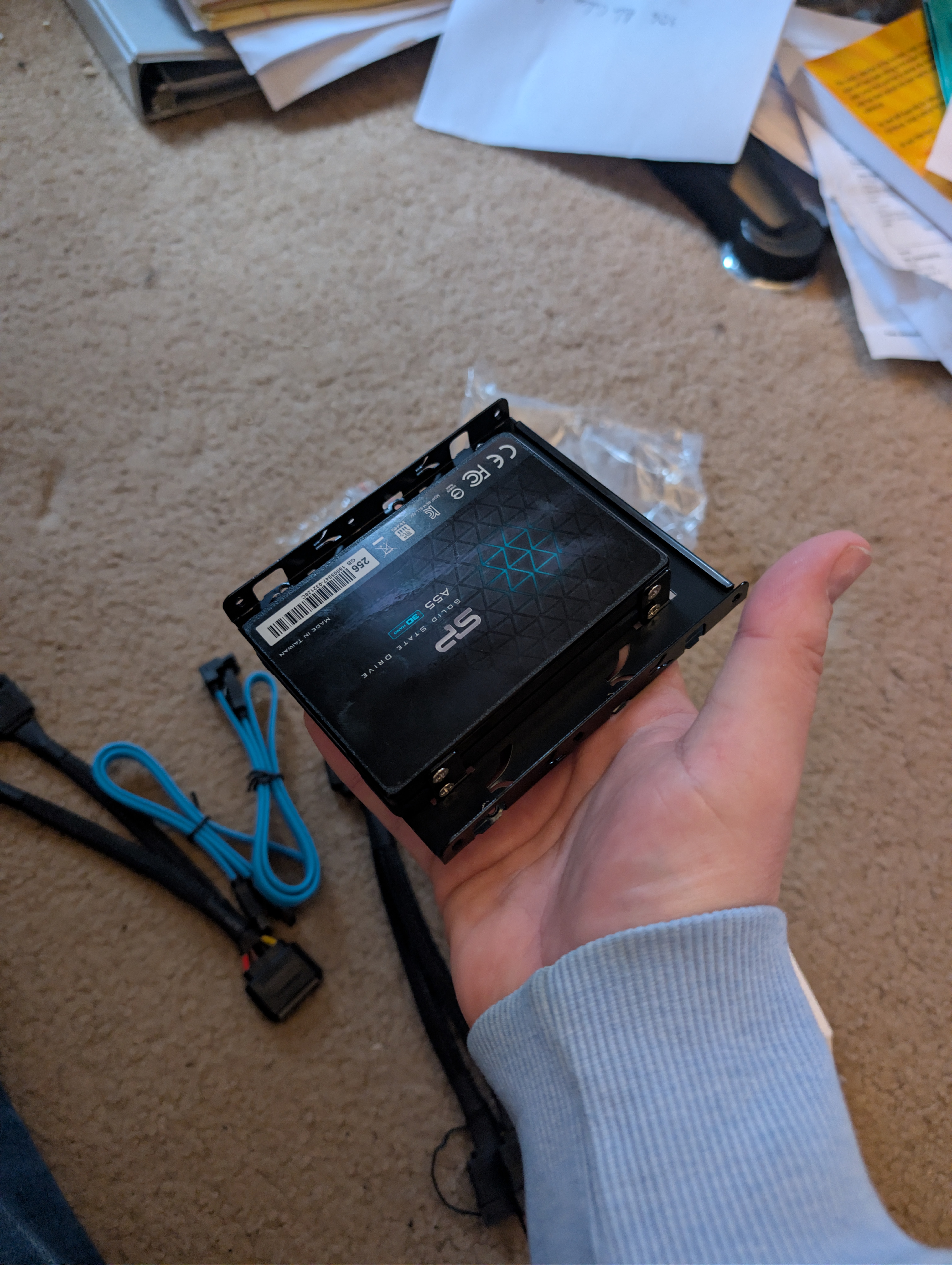
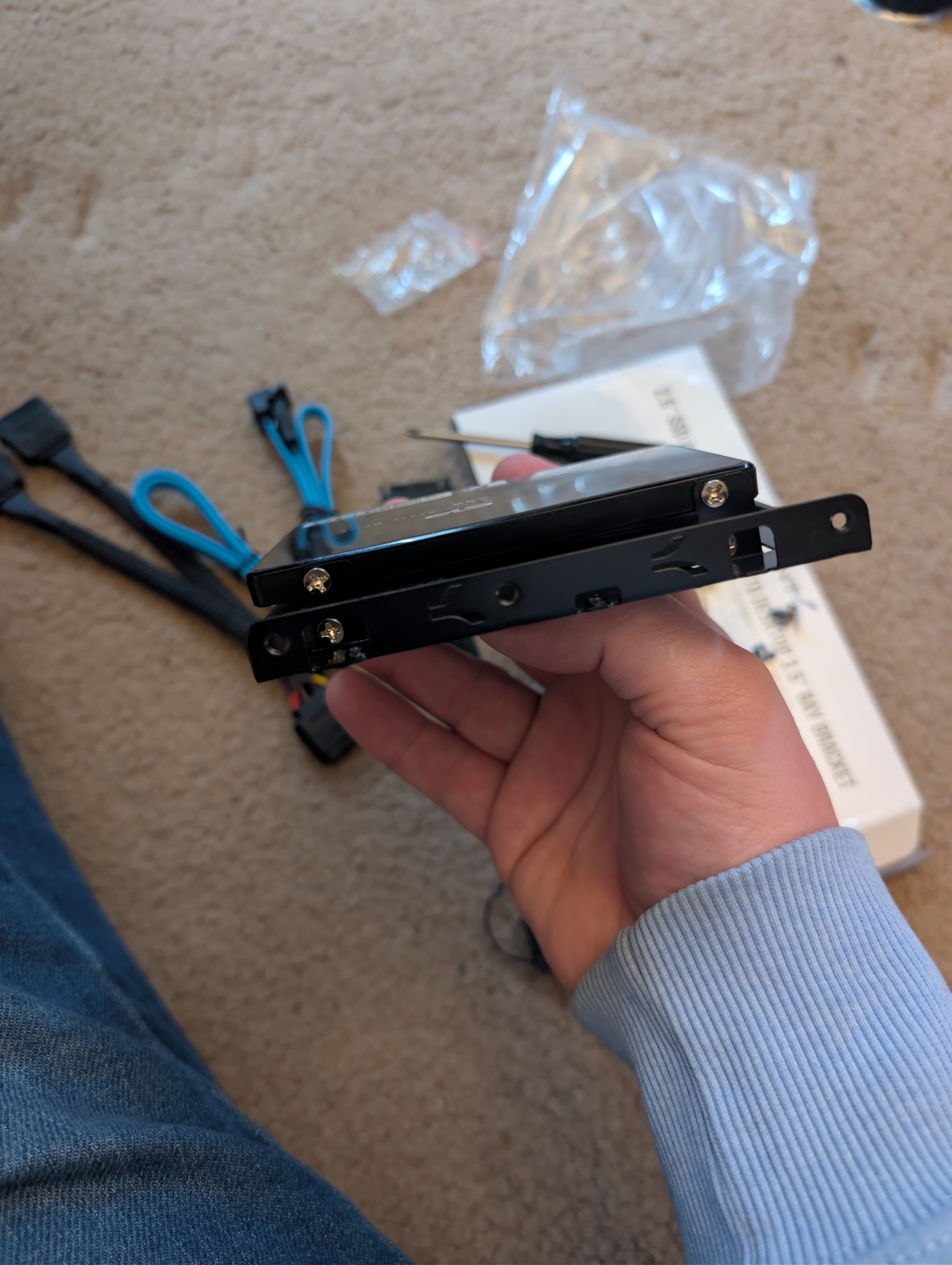
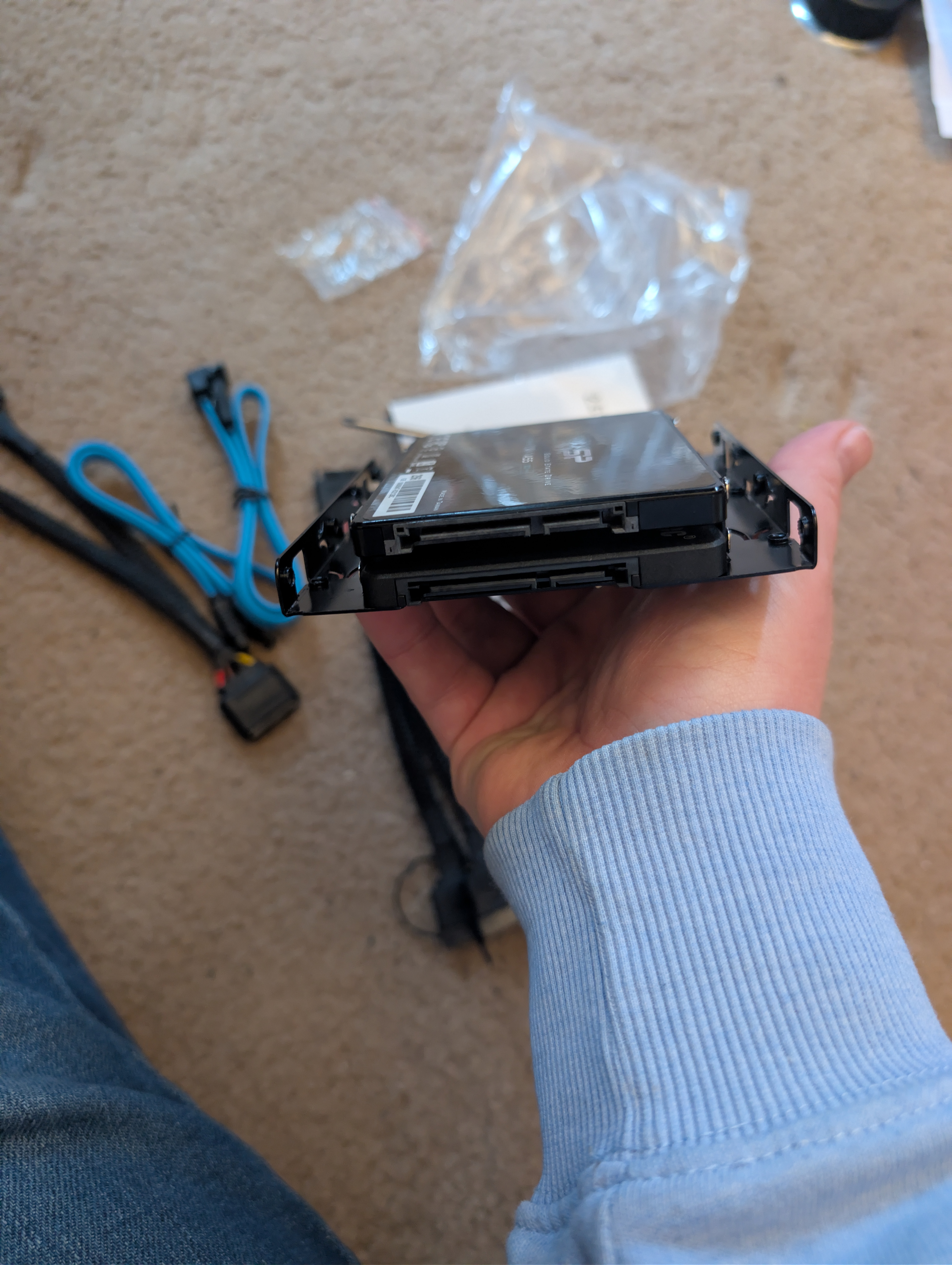
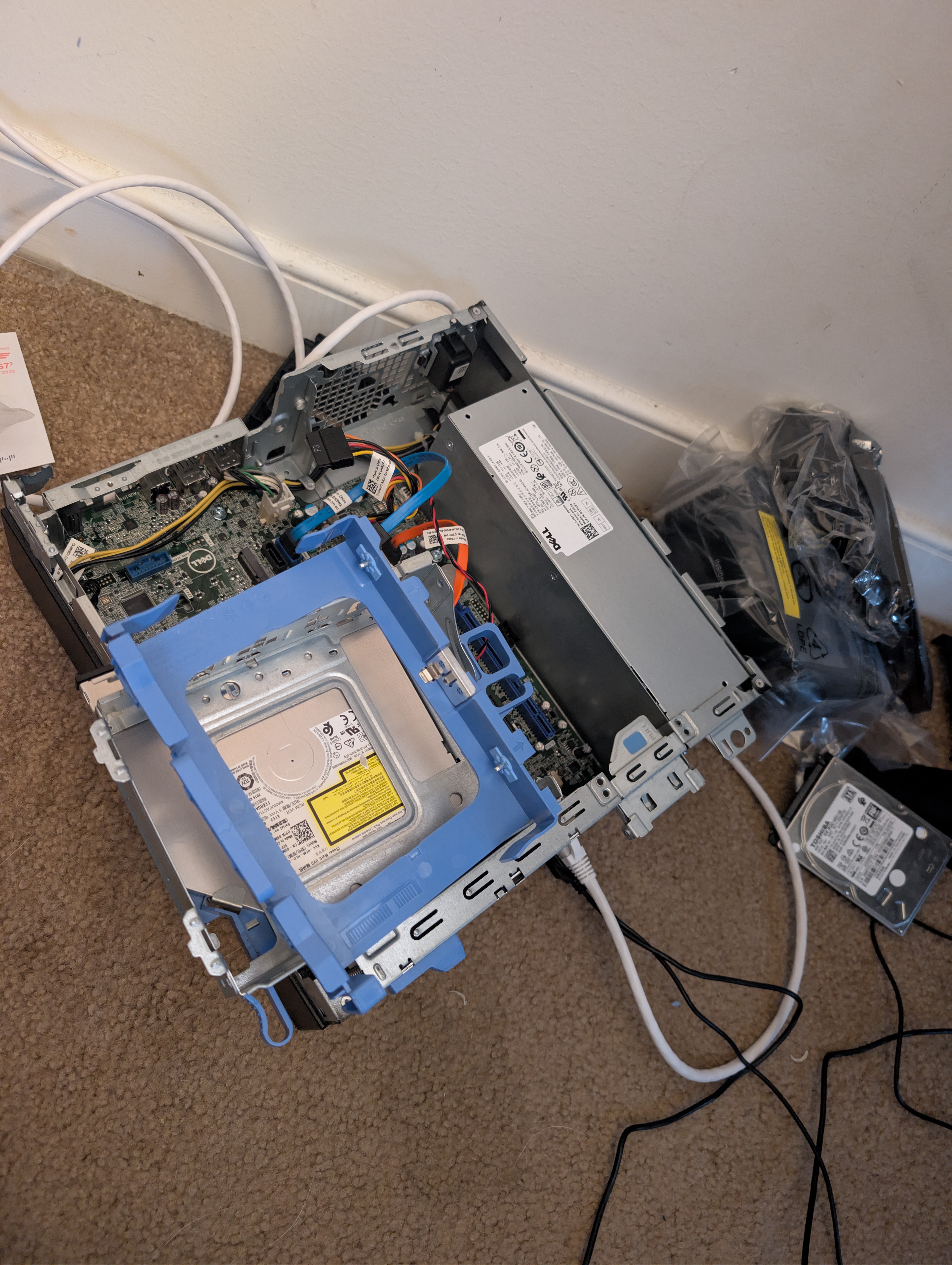
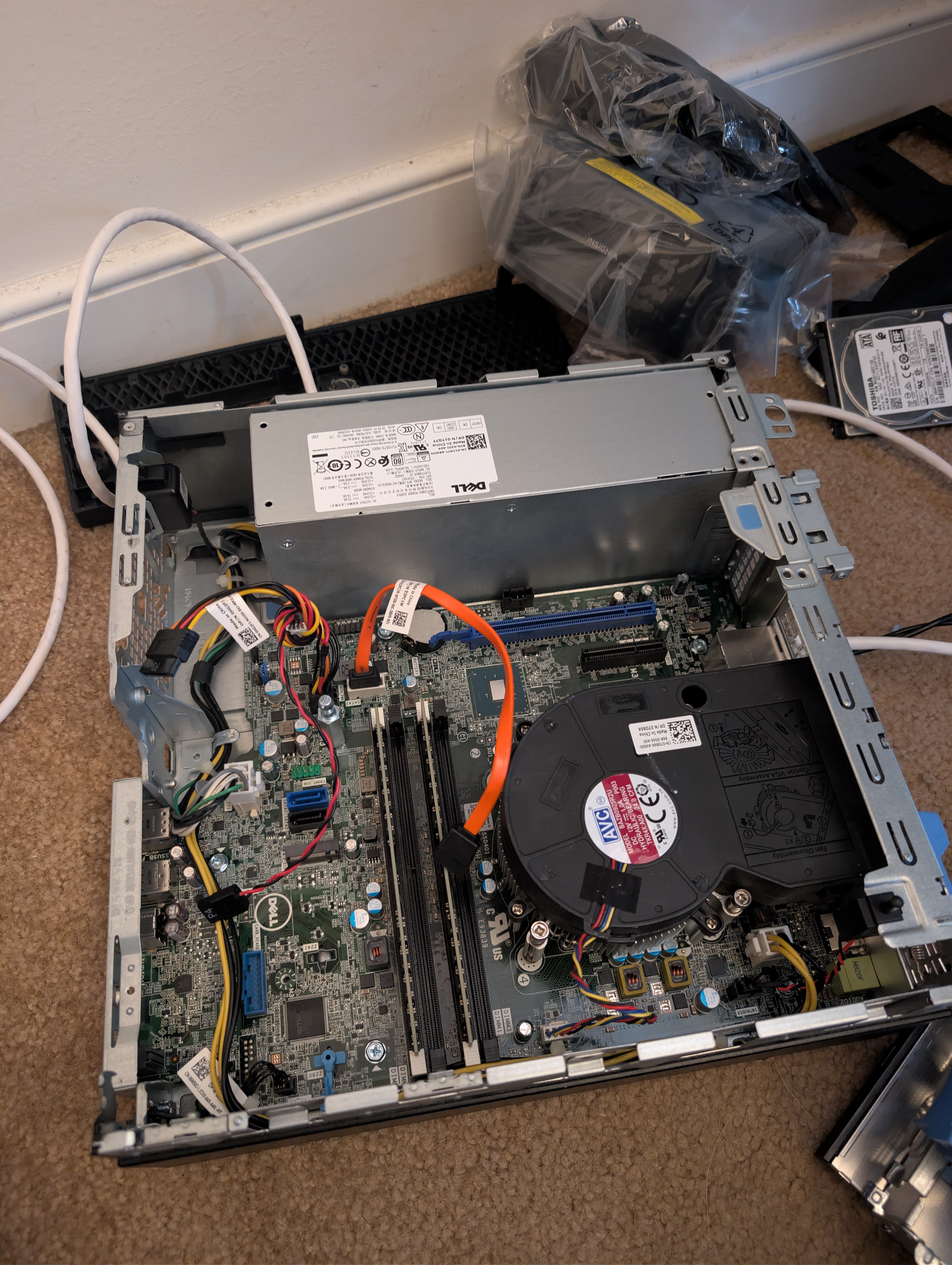
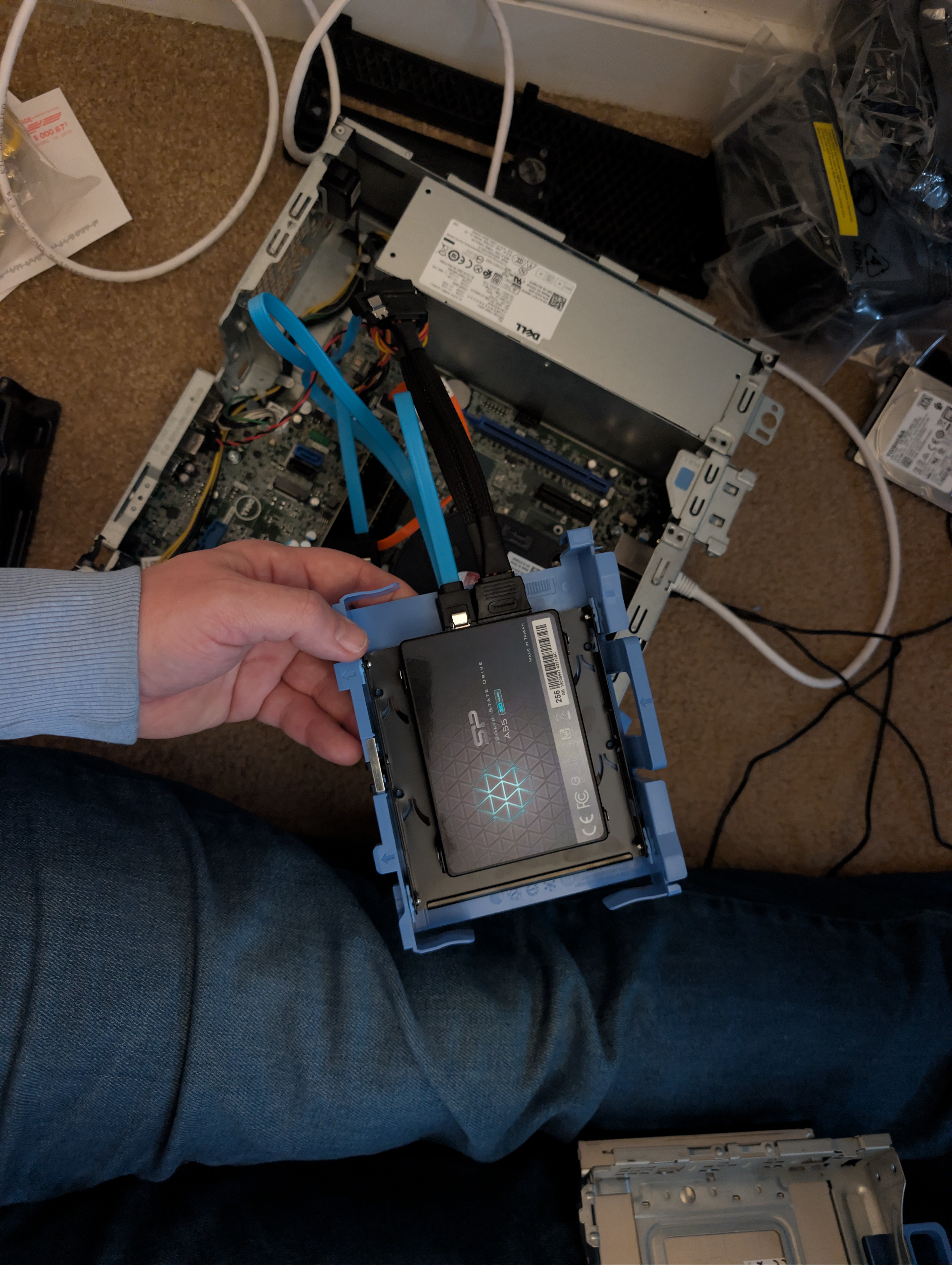
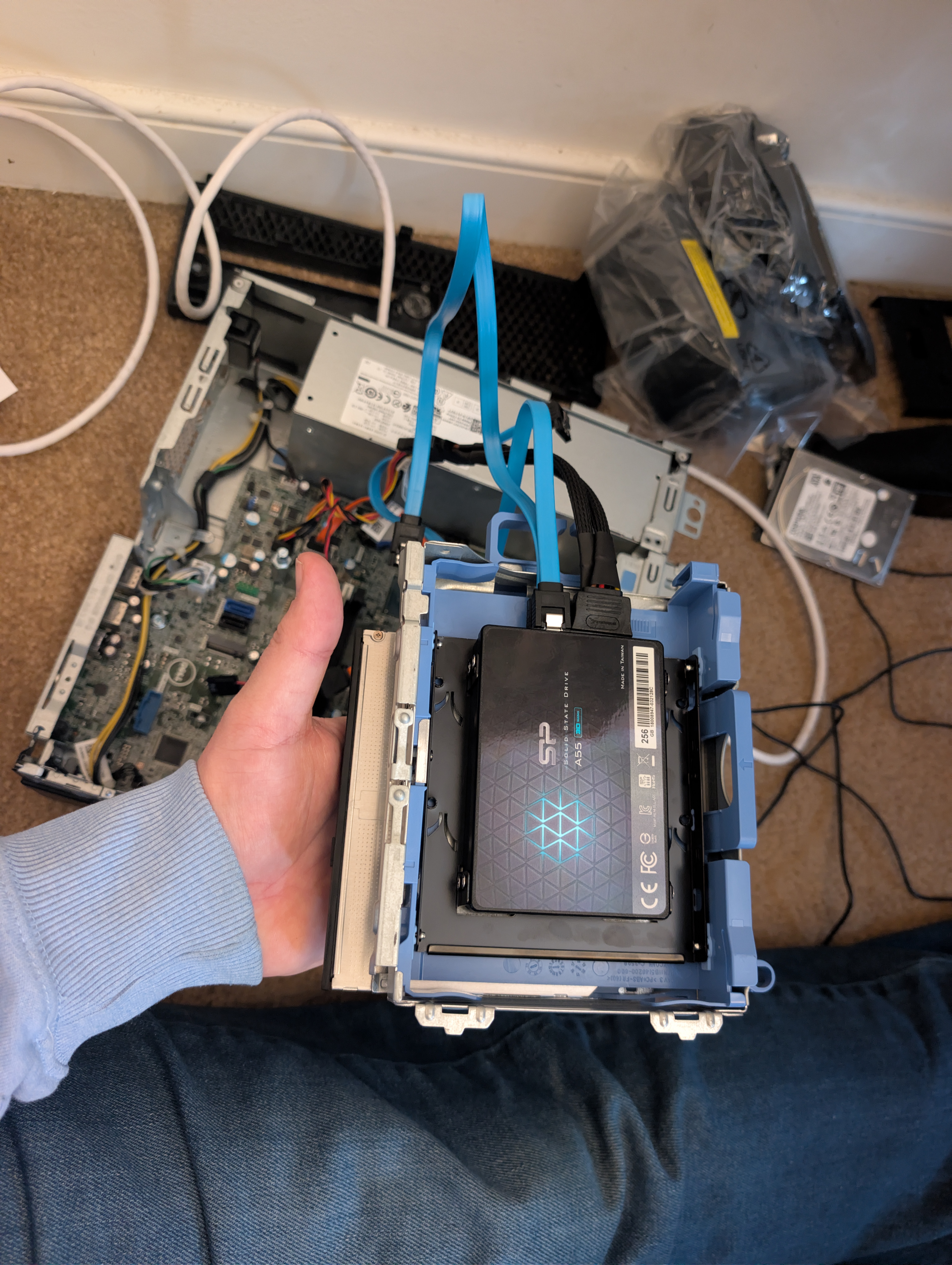
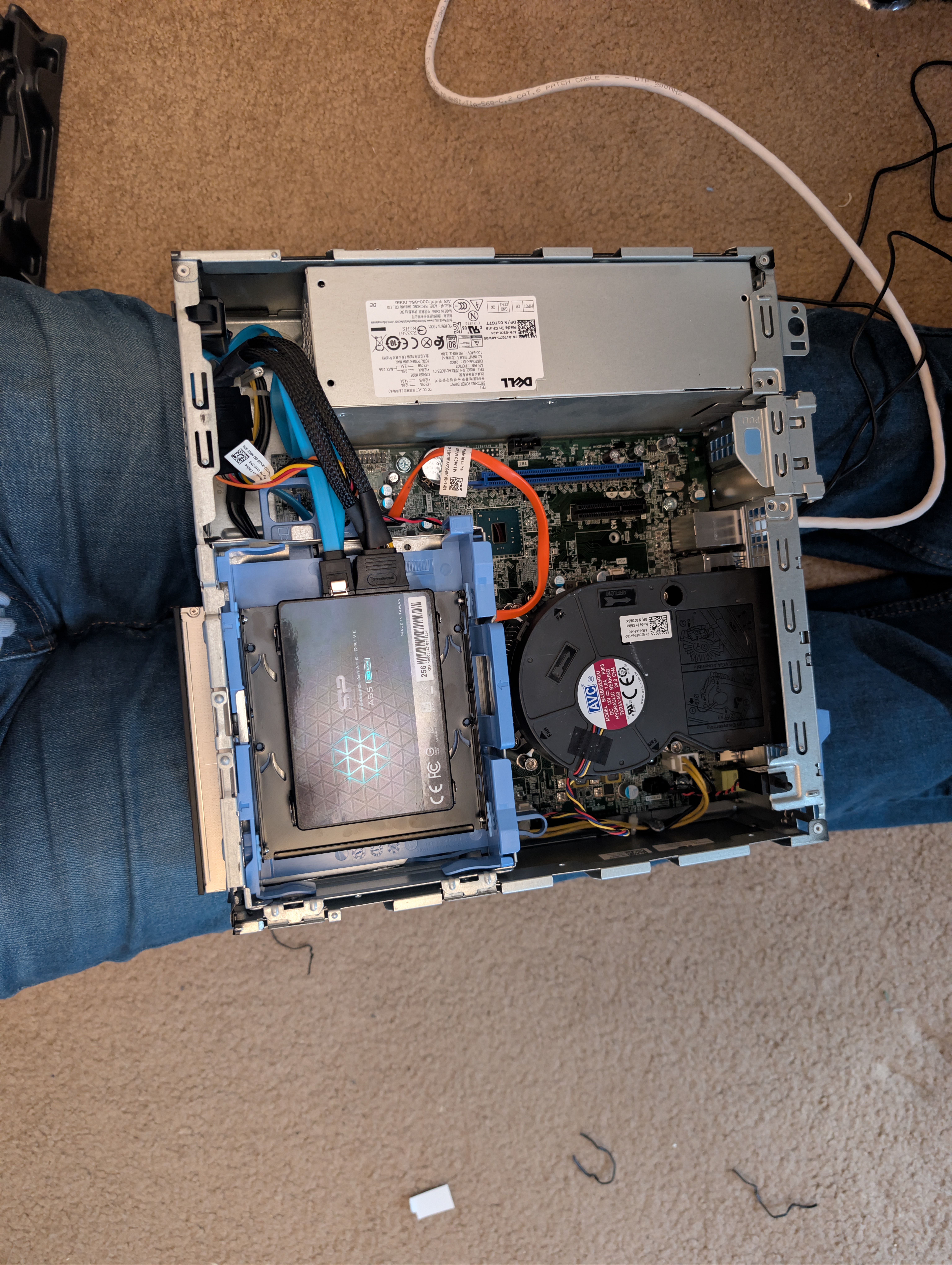
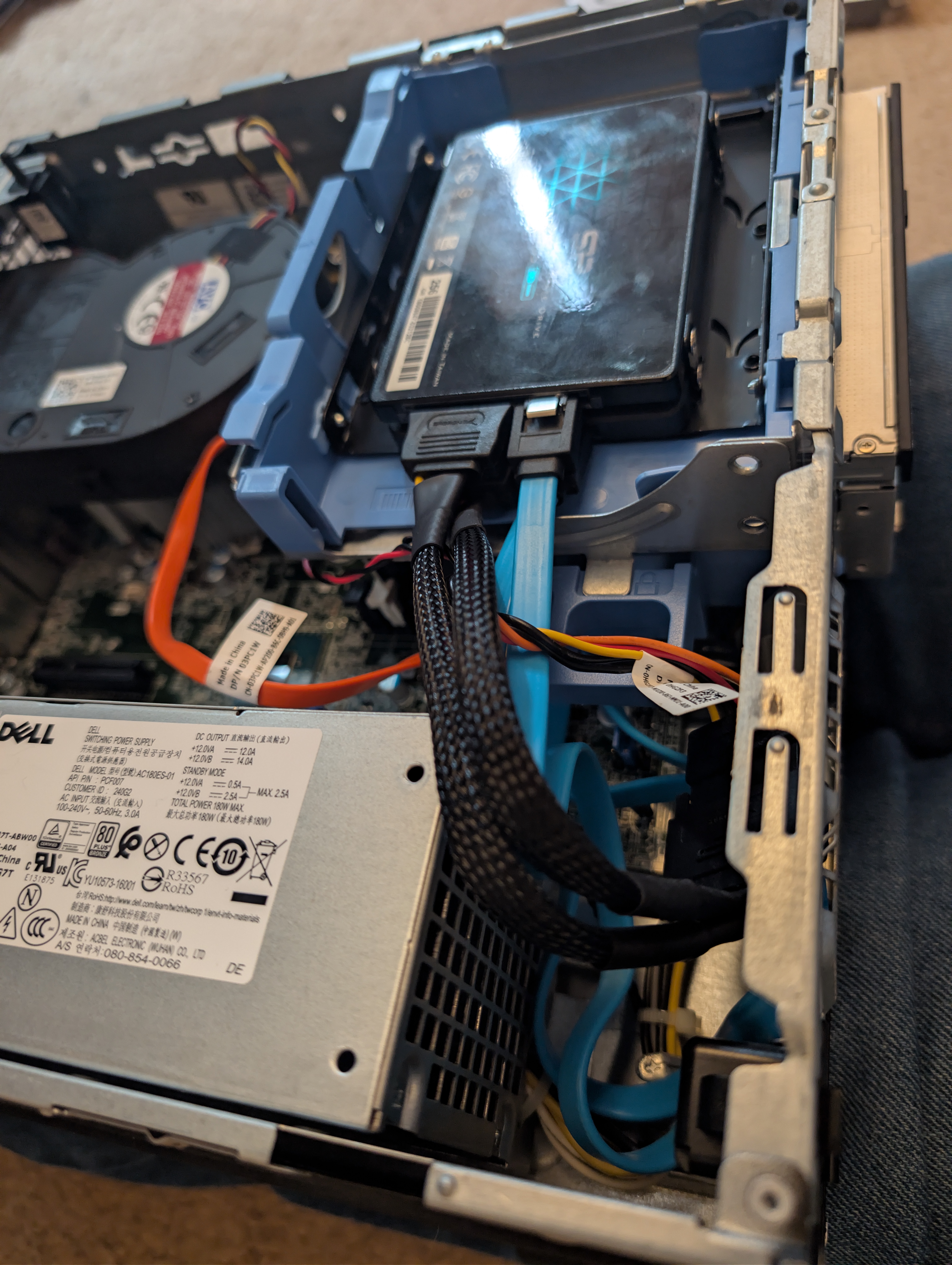
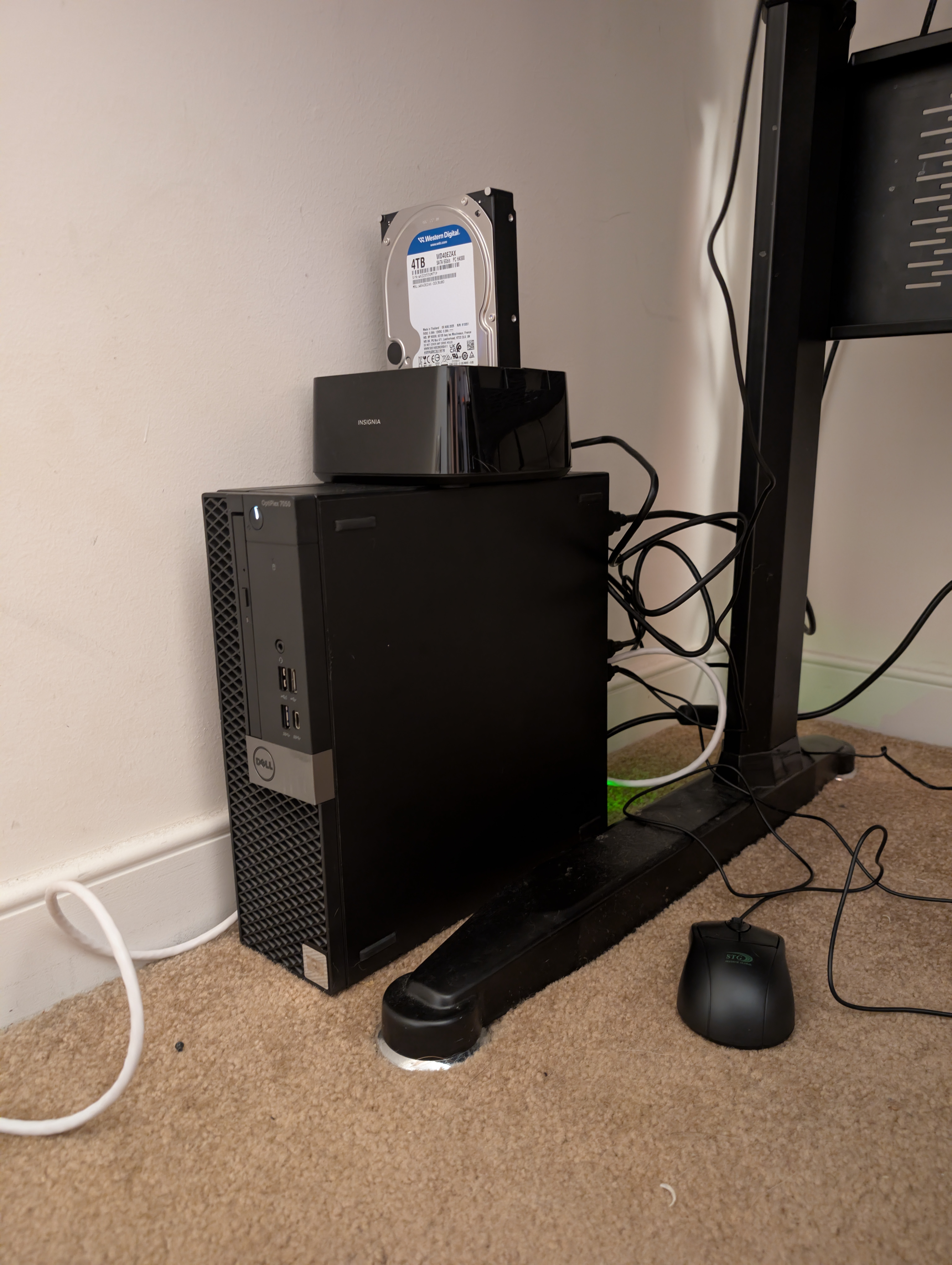
As you can see, along with the dual-drive adapter being installed, I purchased an external HDD enclosure and a 4TB drive for the NAS setup. Then, of course, came the configuration in TrueNAS Scale: setting up the directory structure and the connection from the NAS box to the Docker setup and Jellyfin. Now I just need to figure out what VPN I want or need. Then I’ll install the ARR stack and connect it to Jellyfin. And finally, for now, I need to figure out how to view media at home. I know I have one TV that I can directly install Jellyfin on. I also have a PlayStation. The rest of my TVs will need to either access it through the TV’s web browser or a streaming stick like a Fire Stick or similar device.
Show me the money And yet again, the financial burden of a hobby places progress on hold.
Did you know the free tier of any VPN wont work for what you want? Did you remember about the mini pc you want to load OPNsense on? What about the extra monitor you want? Hey, don’t forget about the power strip you need? Oh yeah, and supplies to help with cable management. Plus the proposed updates to the NAS box so I don’t have to use an external enclosure.
I guess this one’s a short post. But hey, even a little progress is still progress. Espcellially in this economy.
ANYWHO, as always… If you’d like to support my work, you can donate via PayPal.